Auto-Translate
Scaling Adobe Express to international geos by adding the ability to translate all your designs into 45+ languages in a single click, all while maintaining your layout. Featured at MAX 2024 Keynote.
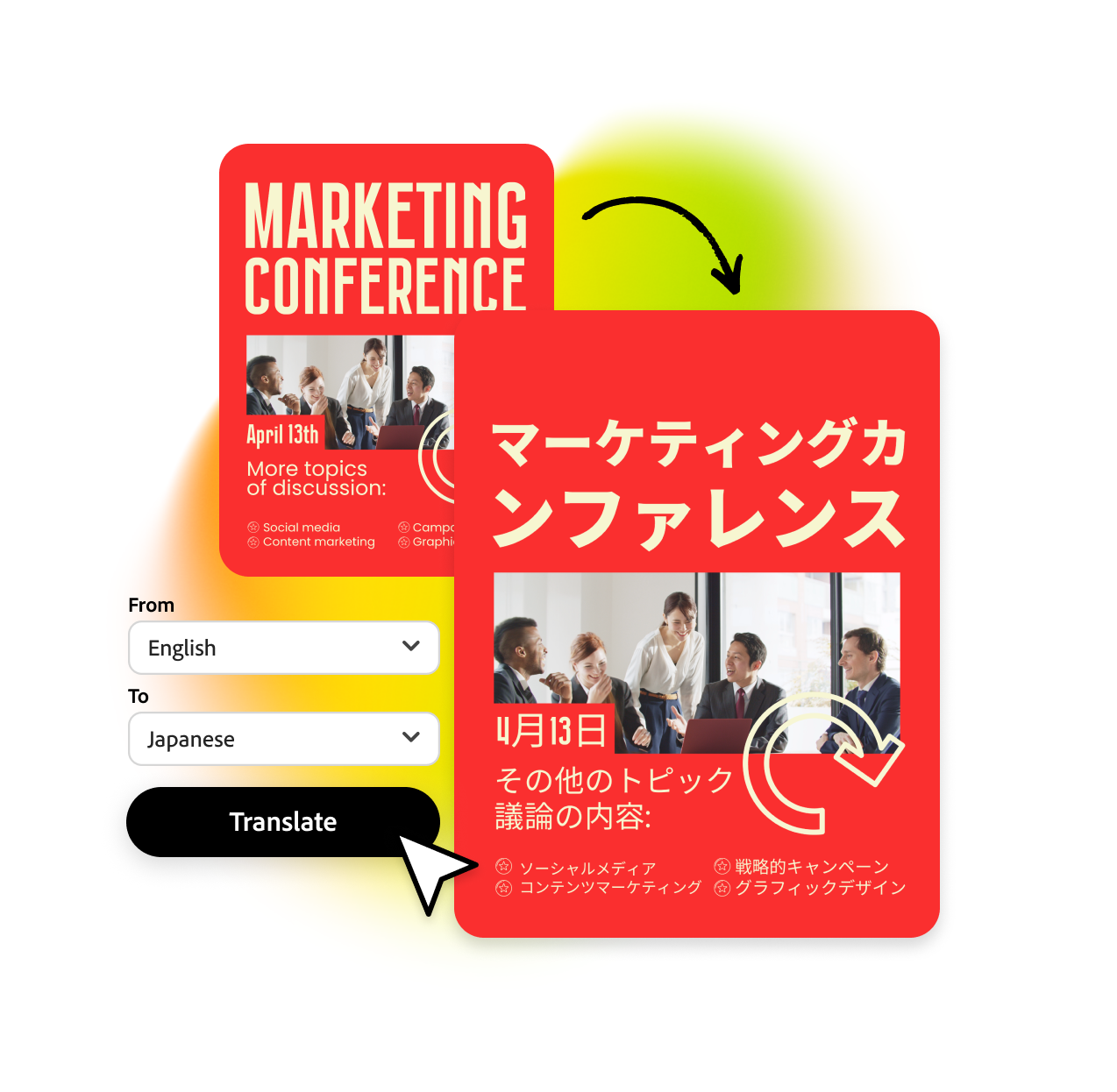
Scaling Adobe Express to international geos by adding the ability to translate all your designs into 45+ languages in a single click, all while maintaining your layout. Featured at MAX 2024 Keynote.
Express has thousands of templates, mostly in English. Users in Japan, Brazil, Germany couldn't use them. Auto-Translate turned every English template into a starting point for anyone.
The trickiest part about translations is that the text length can change by 30-50% depending on the chosen language and sometimes even change complete orientation like in Japanese and Arabic. Our feature helps keep the context so that no edits need to be made after translations.
After the translation is complete, users can give feedback across various parameters. This is important as it feeds right back into the translation model that helps us improve the quality.
Perhaps the most important challenge when translating designs that don't have complete sentences: single words can have various meanings. This feature looks at the design, absorbs the context, and delivers a translation most accurate to your designs. This visual context system is now patent-pending.
Select pages, text boxes, or everything. Keep your brand name in English, translate the rest. Choose formal or casual tone. Hit translate.
Large files can take some time. We built the experience to be non-blocking: you can continue working on other files as we translate your design.
Feedback is crucial. If the translations don't match up to your needs, submit feedback so that we can improve.
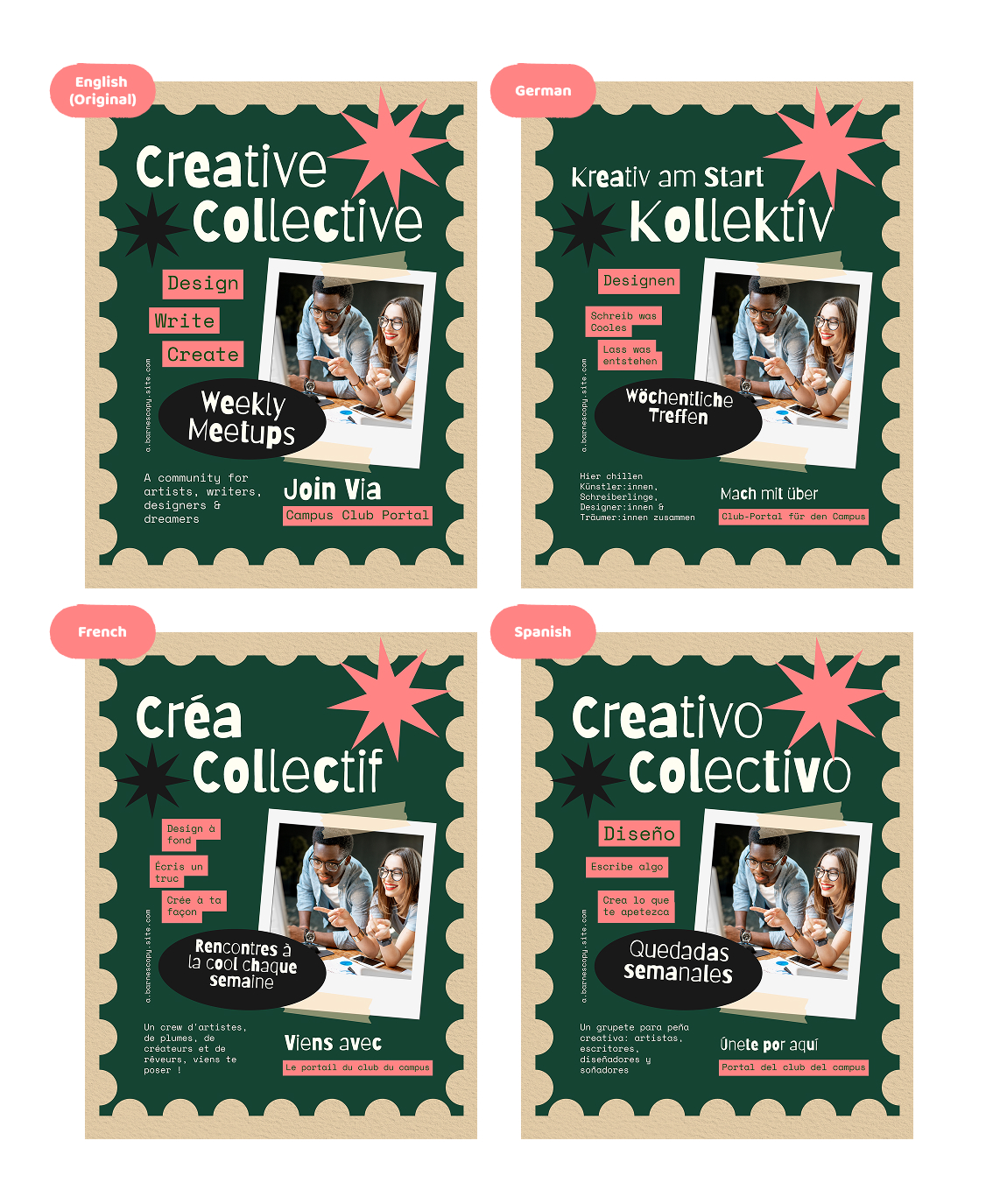
German is longer. Japanese is vertical. The text reflows to fit. No manual cleanup.
The creative platform powering Auto-Translate.
Watch Auto-Translate featured live on stage.